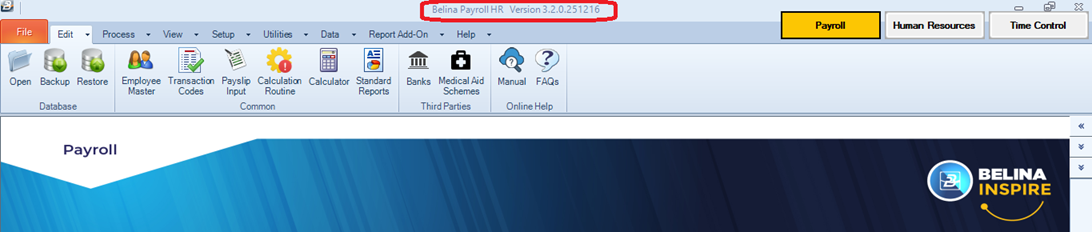
Each release of Belina PayrollHR is given a unique reference number to identify the software version and release date. Our development team continuously improves the system based on feedback from clients and support personnel.
The release number is divided into four sections (e.g., 3.2.0.251216):
Updating Your SoftwareThe latest Belina update is always available on our website resources page. Important: Updates must be installed on all computers running Belina, including the server. For step-by-step guidance on installing the software update, please refer to our Update Installation Instructions. Each release is accompanied by Release Notes detailing the specific changes and new features included in that version. How to Check Your Current VersionTo verify which version you are currently using: 1.Log in to your Belina software. 2.Locate the Header Section at the top of the application window. 3.The full version number is displayed as shown in the image below:
|