To update your Belina. Please follow the steps below:
1.Make sure you take a backup.
2.Download the Belina Update from the email link or from our website's resources page. After downloading the update, there will be a file in your downloads folder with the name ‘Belina Payroll Update.’
-Make sure you log out of Belina before starting the update.
-For Server to Client environments, all machines using Belina should be logged out of Belina and no machine should log back in before that machine has been updated.
- Double-click on the ‘Belina Payroll Update’ installation file in the Downloads folder of your machine.
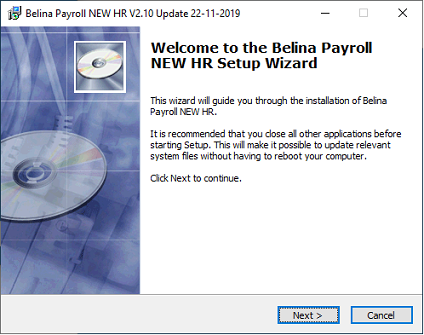
-This will initiate the Belina update installer, and you then click on 'Next'
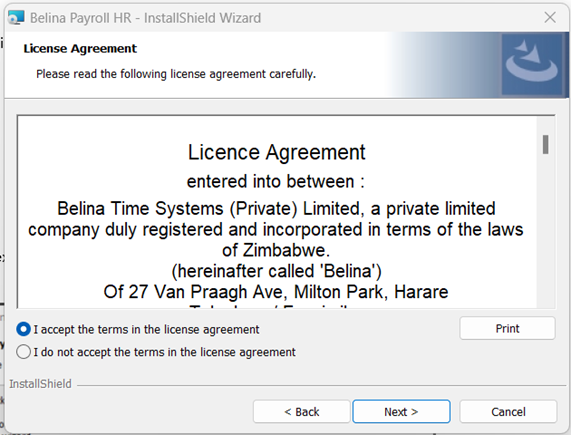
-Accept the Terms of our license agreement and click 'Next'
-Click Next To Install
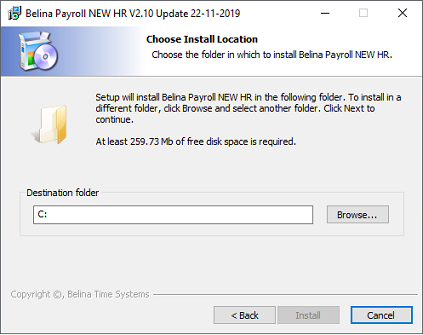
Click Next Again to proceed.
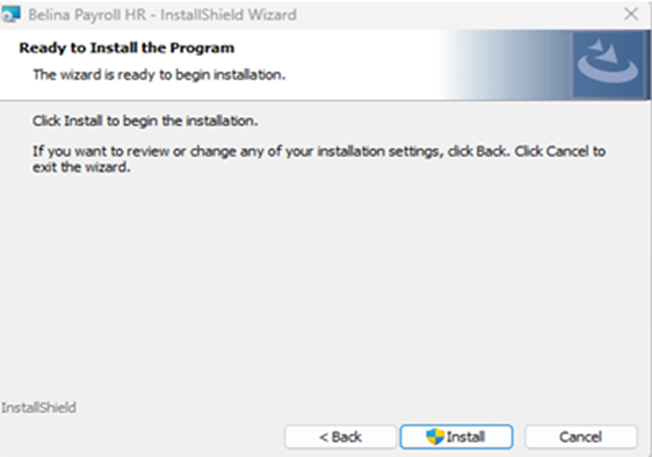
- Then click Install
When the installation is completed please click on the 'Finish' button.
4.Log into Belina and enter Version 3.2 Registration details.
-When done installing, proceed to login to Belina as normal.
- When logged in Payroll Updates will run. Please do not interrupt the process until complete.
Note: It is recommended that you first login to the server machine to allow updates to run. Once updates have successfully completed on the server, you may proceed to work on the client machines.
- When update process is completed, please proceed to enter your new version 3.2 Registration Details.