To access the Connect Module when you may have forgotten your password, to change the access password:
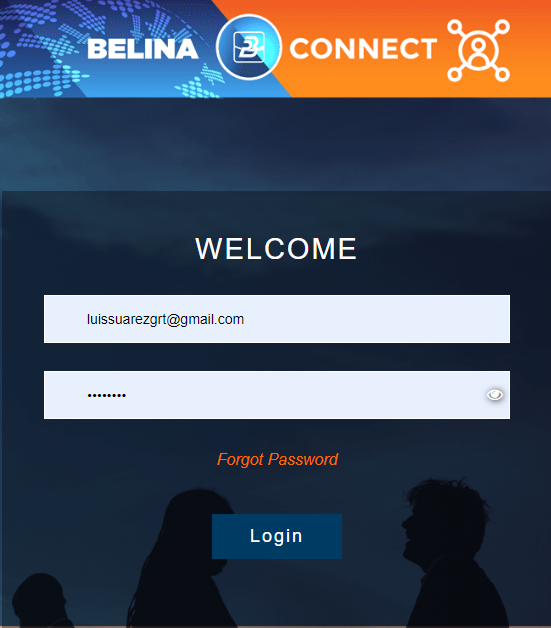
•Access Belina Connect enter the URL 'belinaconnect.com' into the addressline of your browser.
•Press 'Forgot Password'
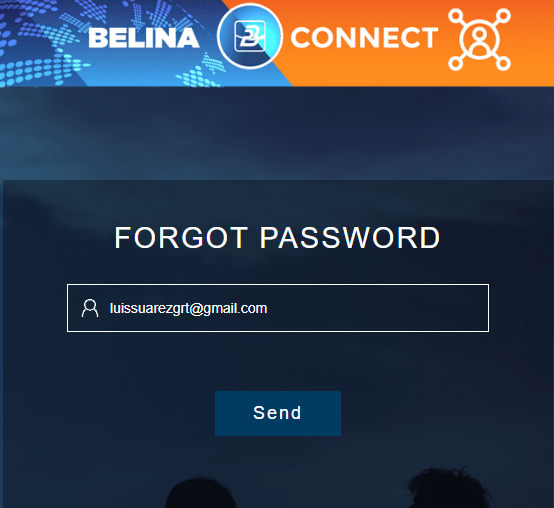
•Enter the Email address/ Accept email address and press 'Send'
•Select the destination to which the One Time Password (OTP) is to be sent
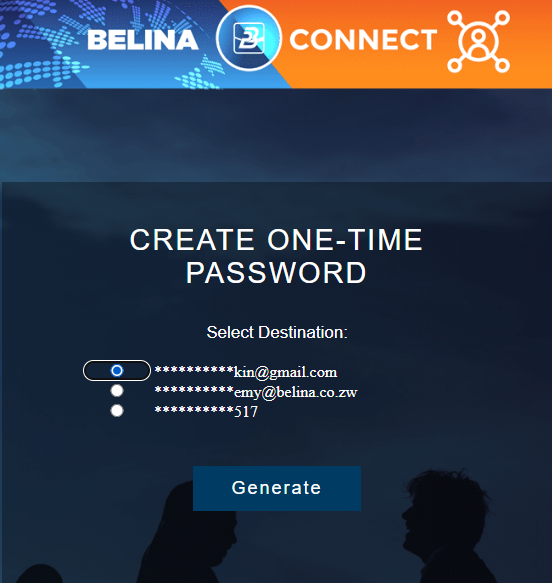
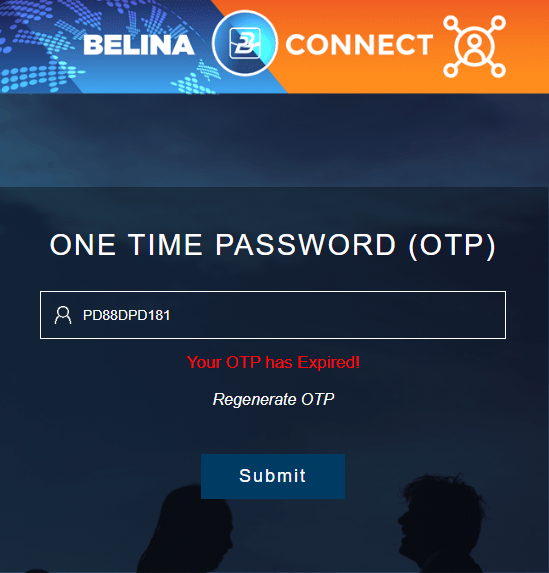
•Open the message that the OTP was sent to. Copy and paste or enter the OTP code.
•Press 'Submit'.
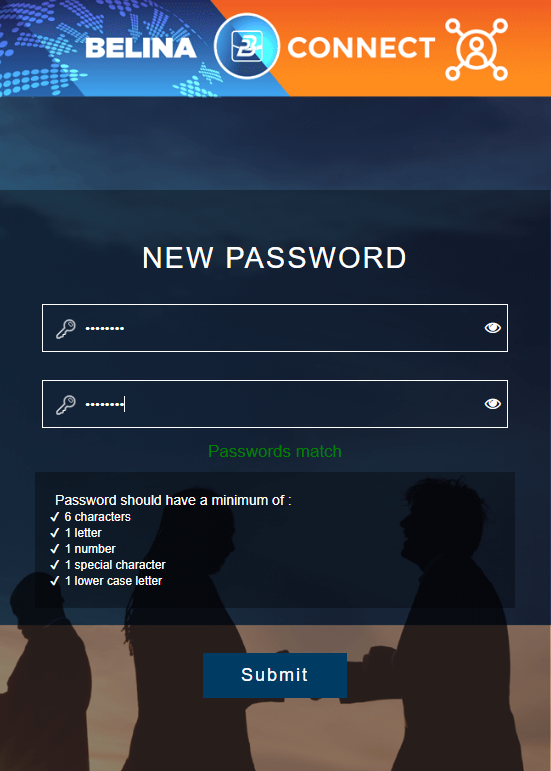
•Enter a unique password in the format shown
•Confirm the password
•If the passwords match it will state 'Passwords Match' in green lettering
•Press Submit